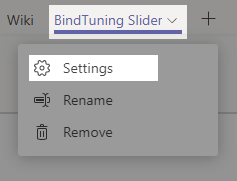
- Open the Team on Teams panel that you intend to edit an item of the Web Part;
-
Click on the Settings button.
-
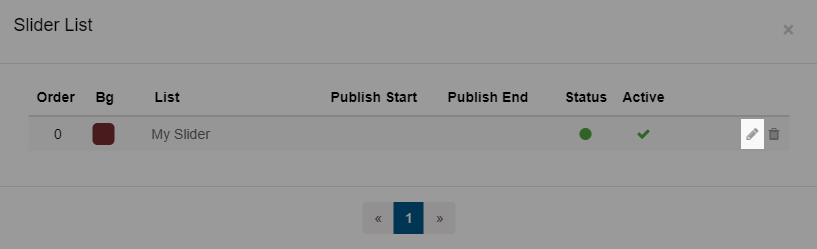
Click on the Manage Slide icon;
-
Change the Slide Settings as necessary to re-configure the slide.
-
After setting everything up, click on the Preview button if you want to see how everything looks on the page, or click on Save.